

At sales time, when you are entering items of invoices, this is very useful to see purchase prices of items quickly without exit of invoice. and this is possible in iGreen accounting.
How to see purchase price of item
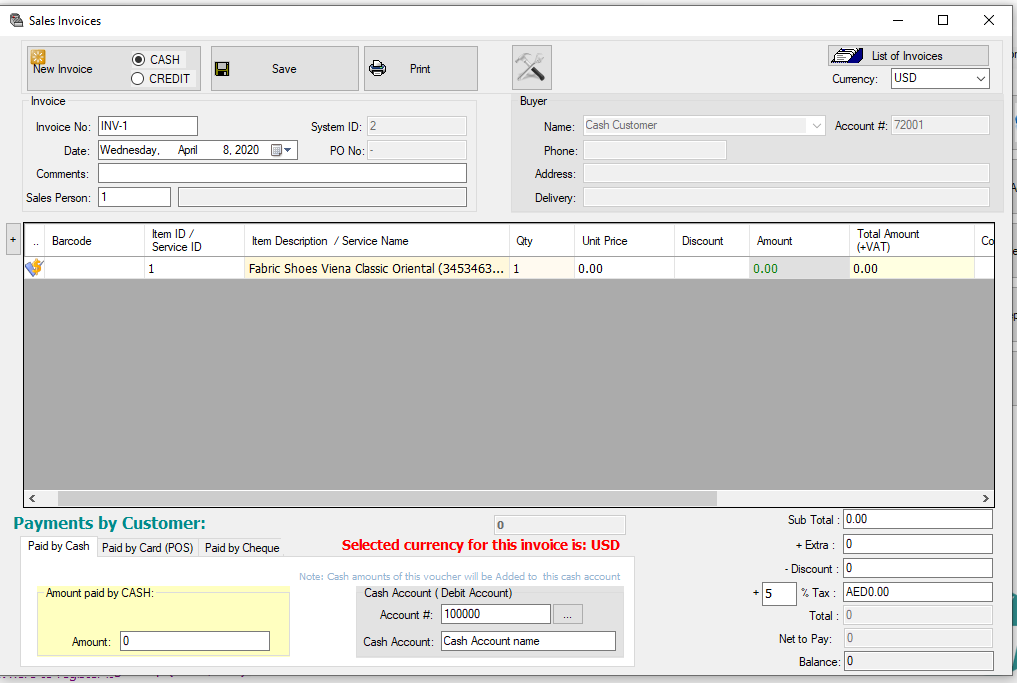
Inside invoice form, left side of item rows, you can see a button as below:
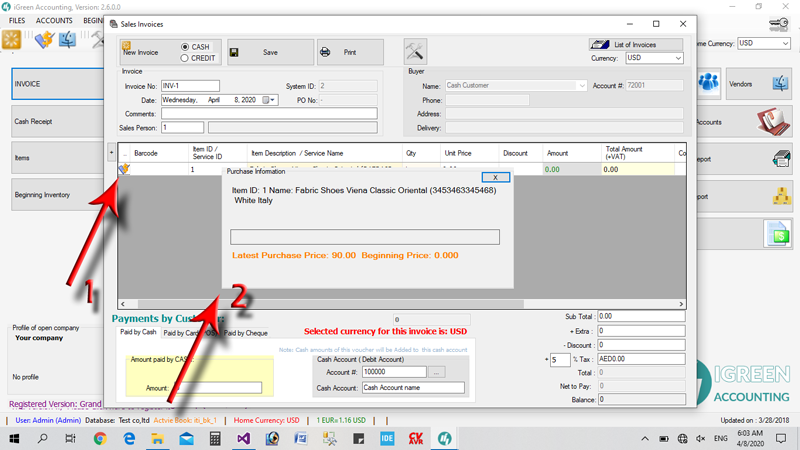
if you click on it, it will show you purchase prices and beginning prices of selected item quickly
